A Practical Guide to Responsible AI for Small Workplace Applications
Why a Checklist Matters for Small Teams
When a small team or a single department starts using generative AI, the stakes feel lower than a big corporate rollout. A few people experimenting with a chatbot or a document summariser does not look like a high-risk project. But the same risks, data leaks, biased outputs, compliance gaps, scale down just as easily as the technology does. A checklist gives a team a lightweight way to catch those risks before they become problems. It turns abstract principles into concrete things to tick off during planning and deployment.
Start with a Risk Assessment
Before any AI tool touches real work data, ask what could go wrong. A risk assessment does not need to be a formal document. It can be a ten-minute conversation that covers three questions: What is the worst that could happen if the AI produces a wrong answer? Who would be affected? And how likely is that scenario? For a small internal tool, the answers often point to simple safeguards. For example, if the AI writes emails to customers, the risk of a factual error is higher than if it only summarises internal meeting notes. Knowing that directs your attention to the right controls.
Checklist Items for Risk Assessment
- Identify the data the AI will process. Is any of it personal, confidential, or regulated? Mark those categories before you start.
- List the decisions the AI will influence. Will it recommend a course of action, or just draft text? The more influence, the more oversight needed.
- Rate the likelihood and impact of errors. A low-probability, high-impact error still needs a guardrail. A high-probability, low-impact error might be acceptable with logging.
- Document your findings. A shared note or a spreadsheet is fine. The act of writing it down makes the team agree on what they are doing.
Set Access Controls for Sensitive Information
Generative AI tools often run on cloud servers, and every prompt you send travels over the network. That means sensitive information, customer names, financial figures, personal opinions, can leave your control unless you deliberately limit it. For a small workplace application, the simplest step is to define what data the AI is allowed to see. If the tool is meant to summarise internal policy documents, do not feed it payroll records. Use role-based access: only the people who need to use the AI for their work should have permission to submit prompts. And if the tool stores conversation history, make sure that history is not visible to everyone in the organisation by default.
Access Control Checks
- Classify the data you feed into the AI. Mark it as public, internal, or restricted before uploading.
- Limit who can submit prompts. Use group permissions or individual accounts, not a shared login.
- Review where the data is stored. Does the vendor keep copies? Are they deleted after a set period?
- Audit access logs periodically. A quick check every month can catch unusual usage patterns.
Plan for Human Oversight
No generative AI is perfectly reliable. It can produce confident-sounding nonsense, repeat biases from its training data, or misunderstand a straightforward request. That is why every output that leaves the team, an email, a draft report, a customer-facing summary, needs a human review. The checklist item here is not just "a human checks it." It is a clear rule about who checks what and when. For instance, a team might decide that all AI-generated text must be reviewed by someone who knows the subject matter before it is sent to a client. Or they might set up a second pair of eyes for any output that contains numbers or dates. The goal is to make oversight a habit, not an afterthought.
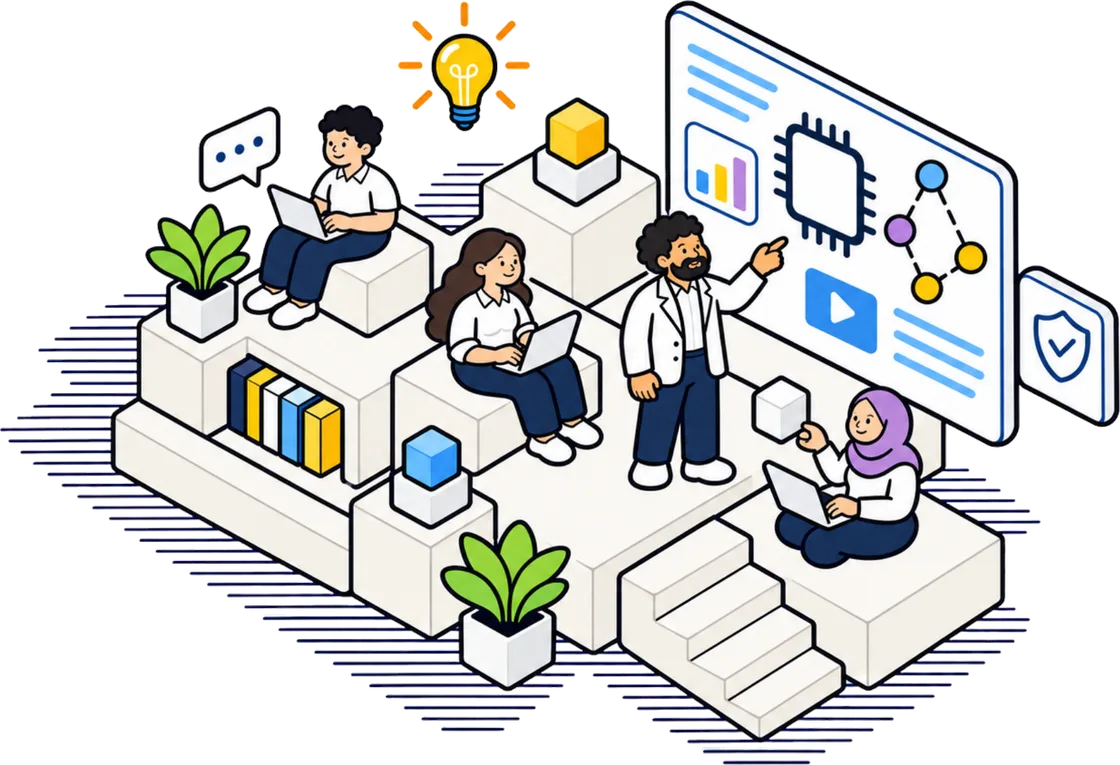
This is where responsible generative AI practice comes into focus. A team that builds oversight into its workflow from day one is far less likely to be caught off guard by a mistake. It becomes part of the routine, like checking a spell-checker's work.
Monitor Outputs for Bias and Quality
Even with human review, patterns of bias can slip through if nobody tracks them. A team using the same AI tool every week should keep a simple log: note the prompt, the output, whether it was accepted or rejected, and why. Over time, that log reveals trends. Maybe the tool consistently defaults to one cultural reference when writing about holidays. Or it uses masculine pronouns for roles like "doctor" or "engineer." Catching those patterns lets the team adjust their prompts or switch to a different model. Output monitoring does not need fancy software. A shared spreadsheet works. The important thing is to look at it regularly and ask whether the AI is getting better or worse.
Maintain Data Privacy Throughout
Data privacy is not a one-time setup. It is an ongoing practice. When a team expands its use of generative AI to a new task, the privacy implications change. A tool that was fine for summarising public data may be unsuitable for handling customer support tickets. The responsible approach is to treat privacy as a gate: before any new use case goes live, someone on the team checks whether the data involved is personal or sensitive. If it is, the team must decide whether to anonymise it, use a local model, or restrict the tool to non-sensitive work. This is not about stopping innovation. It is about knowing where the boundaries are and respecting them.
Returning to the idea of responsible generative AI practice, it becomes clear that a checklist is not a one-off exercise. It is a cycle. You assess, set access, plan oversight, monitor, and revisit privacy each time the scope changes. For a small team, that cycle can be as simple as a recurring half-hour meeting. The point is to keep asking the same questions: What data are we using? Who is checking the output? What could go wrong this time? The answers keep the team honest and the tool safe.
Build a Lightweight Incident Response
Even with all the checks in place, something will go wrong eventually. An AI might produce a harmful suggestion, or a data leak might occur through a prompt that was too detailed. A small team does not need a full incident command structure, but it does need a plan. Who do you tell when an incident happens? How do you stop the tool from making more mistakes while you investigate? And how do you communicate what happened to the people affected? A simple document with three or four steps, stop the tool, assess the damage, inform stakeholders, fix the root cause, is enough. The key is to have it written down before you need it.
Keep the Checklist Alive
A checklist that sits in a drawer is no help. The most effective teams review it every time they add a new use case, change a vendor, or bring a new person onto the project. They treat it as a living document. They update the risk assessment when they learn something new. They add a check for a type of bias they had not considered before. Over time, the checklist becomes a record of the team's growing expertise in using AI responsibly. It also becomes a tool for onboarding: a new team member can read through it and understand what the team values and what it watches out for.
Small workplace applications of generative AI offer real productivity gains. But those gains only last if the team uses the technology with care. A responsible AI checklist is a practical way to build that care into the daily workflow. It does not require a budget, a compliance officer, or a formal policy. It just requires the discipline to ask a few questions before you hit send, and to keep asking them as you learn more.